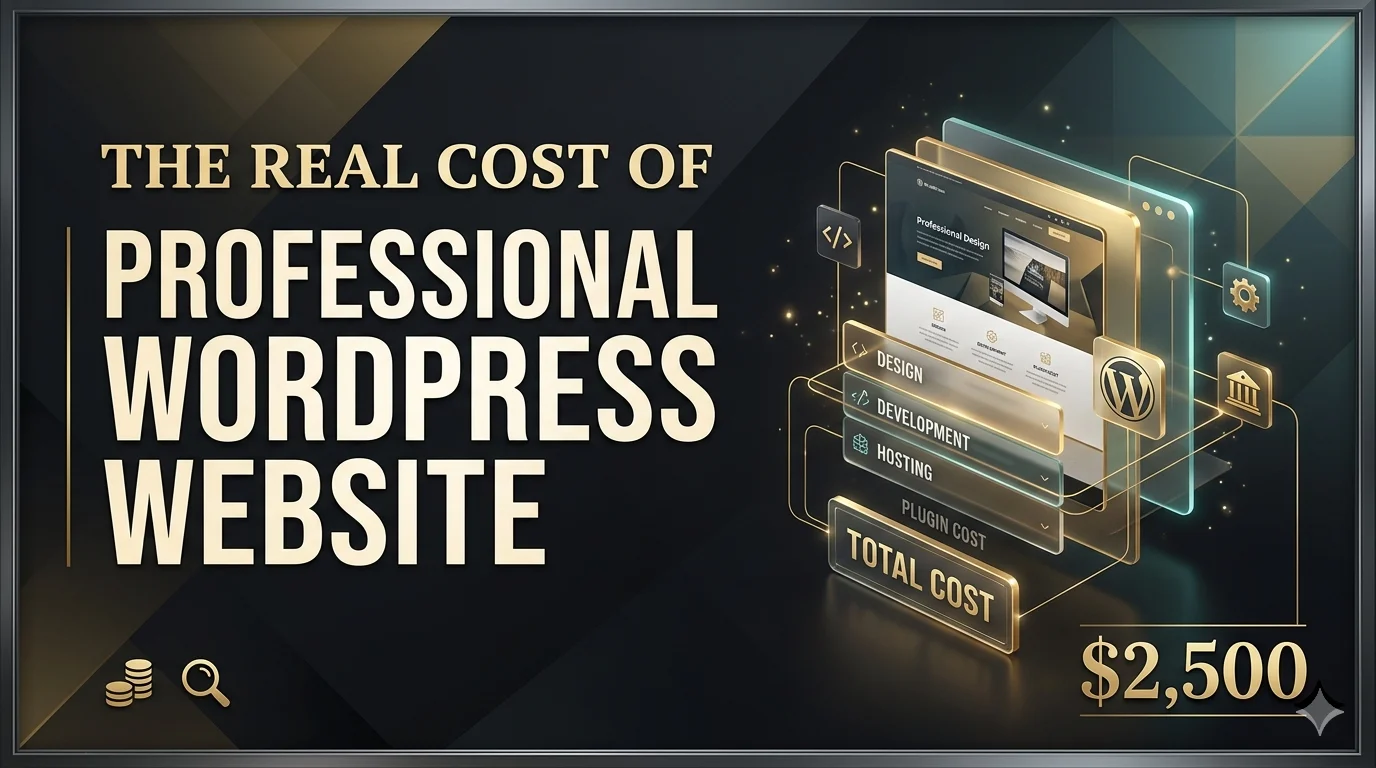
Introduction:
While many assume that a professional WordPress website is “free” because the software is open-source, the true cost of ownership involves a complex layer of infrastructure, security, and specialized labor. In the landscape of 2026, building a high-performance site is less about simple installation and more about engineering a secure, scalable digital asset.
Here is a breakdown of the real costs associated with a professional build:
1. Core Infrastructure: Hosting and Performance
A professional site cannot survive on “budget” shared hosting. For high-volume or business-critical WordPress sites, the standard has shifted toward managed WordPress hosting or cloud-based solutions (e.g., AWS, Google Cloud).
Managed Hosting: Typically costs between $50 and $300 per month. This covers automated backups, server-level caching, and specific optimizations for the WordPress core (EasyApps Ecommerce, 2026).
Domain and SSL: While some hosts include these, a premium domain and advanced security certificates can add $20 to $100 annually.
2. Design and Development Labor
This is the most significant variable. For a truly professional, sales-ready site, you generally have two paths:
Custom Theme Development: Building a unique “headful” or “headless” (using frameworks like Hydrogen) site often requires an agency. Projects typically range from $5,000 to $20,000+ depending on complexity and the depth of custom integrations (EasyApps Ecommerce, 2026).
Advanced Page Builders & Frameworks: Using premium tools like Elementor or Bricks with heavy customization still requires a developer’s eye for UI/UX and performance optimization, often costing between $2,500 and $7,500.
3. The “Plugin Tax” and Feature Integration
A professional site relies on a stack of premium plugins to handle SEO, security, and specific business functions.
E-commerce (WooCommerce): While the base plugin is free, the extensions for payments, subscriptions, and shipping typically cost $200 to $1,000 annually.
Marketing & SEO: Premium versions of tools like Yoast SEO, WP Rocket for speed, and Form builders (like Gravity Forms) can easily total $300 to $600 per year.
4. Ongoing Maintenance and Security
Building the site is only the first half of the investment. A WordPress site requires constant “health” checks to prevent the “agent sprawl” or security vulnerabilities common in dynamic web environments (Maes, 2026).
Security Monitoring: Professional-grade firewalls (like Sucuri or Wordfence Premium) cost roughly $200 per year.
Maintenance Contracts: Most agencies charge a monthly retainer of $150 to $500 to handle core/plugin updates, database optimization, and small troubleshooting tasks. Failing to maintain the site can lead to expensive “emergency” repairs or catastrophic data breaches (Teaching in Higher Ed, 2026).
5. Hidden Migration and SEO Costs
If you are moving from an old platform to a professional WordPress setup, there is a hidden cost in SEO preservation.
Migration Expenses: Professional migration—mapping 301 redirects, moving databases, and ensuring no downtime—can cost $5,000 to $20,000 alone.
SEO Disruption: Even with perfect execution, a platform switch often results in 2 to 6 months of search ranking volatility, which represents a “cost” in lost potential revenue (EasyApps Ecommerce, 2026).
Conclusion:
Building a professional WordPress website is an investment in infrastructure, not just a one-time purchase. While the barrier to entry is low, the cost of achieving a site that is secure, fast, and high-converting scales with the complexity of your business goals.
Meanwhile, the “real” cost is measured by the balance between upfront development and long-term maintenance. Investing in quality hosting and expert development early on often prevents the much higher costs associated with security breaches, slow loading speeds, and lost search engine rankings down the road.