iOS App Development Introduction
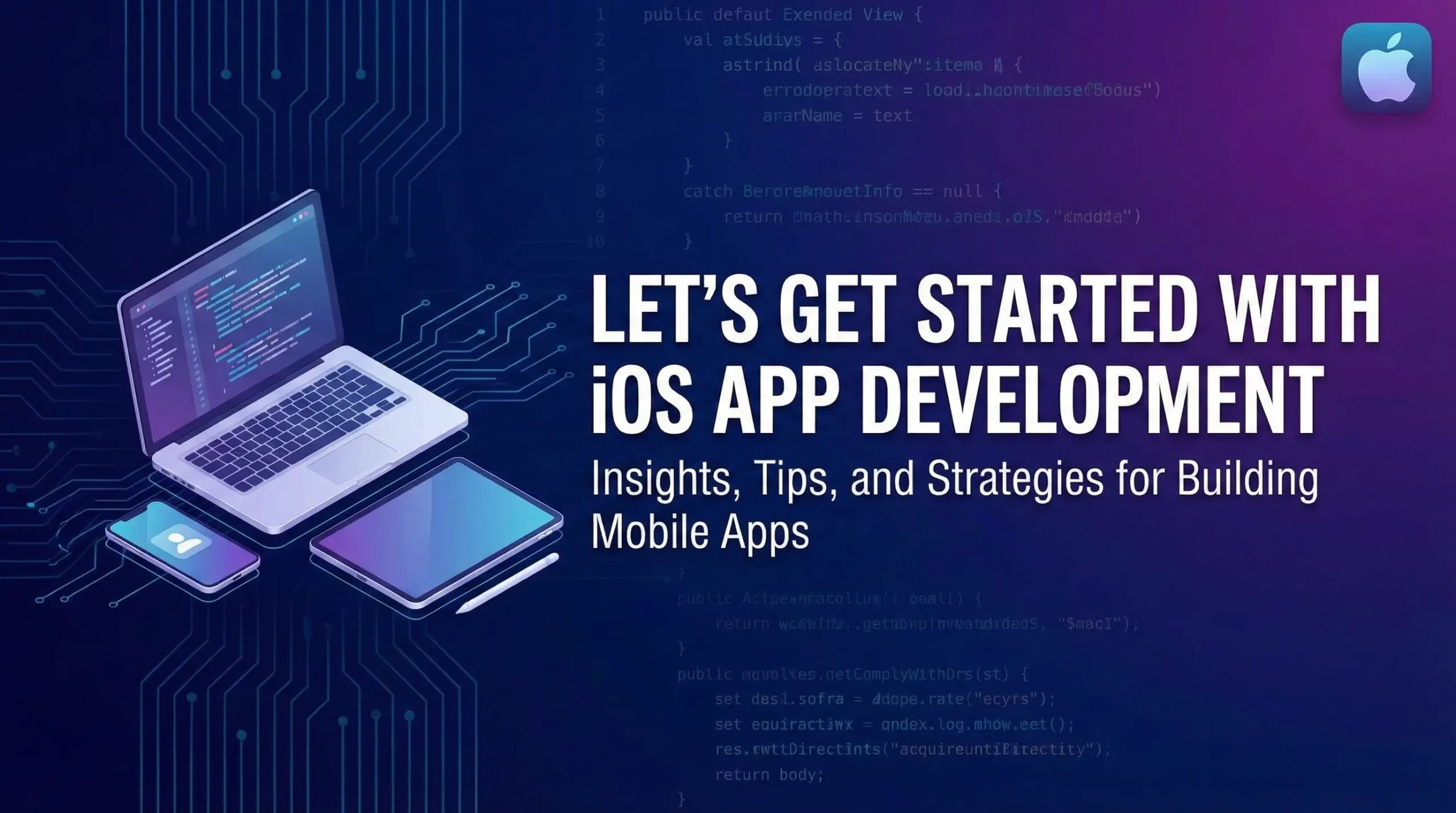
iOS App Development is the process of creating mobile applications for Apple’s mobile operating system, iOS, which powers devices like the iPhone, iPad, and iPod Touch. Developers design, code, test, and deploy software using a specific set of tools and programming languages to ensure the applications are optimized for the Apple ecosystem.
How to Create Modules For Training Employees
In the modern workplace, employee training modules have become the essential foundation for building a competent, compliant, and engaged workforce. Moving past lengthy manuals and one-time seminars, a training module is a structured, self-contained unit of instruction designed to deliver targeted knowledge or skill mastery in a concise and efficient manner.
The successful creation of these modules is not merely about presenting information, but about leveraging instructional design principles to chunk complex subjects into digestible, engaging segments that cater to diverse adult learning styles.
This approach ensures consistent knowledge delivery across the organization, directly addresses specific skill gaps identified by a needs assessment.
Meanwhile, translates directly into measurable improvements in job performance, compliance adherence, and overall business outcomes. The following discussion will outline the crucial, step-by-step process required to design, develop, and deploy effective training modules that empower employees and align with strategic organizational goals.
What is iOS App Development?
iOS App Development is the process of creating mobile software applications specifically for Apple’s iOS operating system, which runs on devices like the iPhone and iPad. It involves using Apple’s official tools, primarily the Xcode Integrated Development Environment (IDE), and programming languages such as Swift or Objective-C.
The development focuses on building a user interface and functionality that adheres to Apple’s strict design, performance, and security standards, with the ultimate goal of deploying the finished application through the official App Store.
Prerequisites to Develop iOS Apps:
The fundamental prerequisites for native iOS app development require a specific combination of hardware and software. Critically, you must own an Apple Mac computer running macOS to utilize the mandatory, free Xcode Integrated Development Environment (IDE). Xcode is the all-in-one tool for writing, compiling, debugging, and testing your application using its built-in Simulator for virtual devices. While you can begin coding with just a Mac and Xcode, to distribute your application publicly on the App Store or test it on a physical iPhone/iPad, you are required to purchase an annual membership to the Apple Developer Program.
Beyond the necessary tools, the key prerequisite is programming proficiency and platform knowledge. You must master the Swift programming language, as it is the official and modern language for the Apple ecosystem. Additionally, a developer must be skilled in building user interfaces using frameworks like SwiftUI or UIKit, and possess a strong understanding of the Apple Human Interface Guidelines (HIG). Adhering to these design principles is essential for creating high-quality applications that are approved for and function seamlessly within the iOS ecosystem.
Here are the definitions for each of the core components and roles in iOS development:
Integrated Development Environment (IDE)
The Integrated Development Environment (IDE) is a powerful software application that provides a comprehensive set of tools and a single interface for programmers to write, compile, debug, and test software efficiently. For iOS development, the official IDE is Xcode, which bundles essential features like a source code editor, build automation tools, a debugger, an interface builder, and the iOS Simulator, creating a streamlined environment specifically for developing apps across all Apple platforms.
iOS Programming Language
An iOS Programming Language is a high-level language used to write the application code that will run natively on Apple’s operating systems, primarily iOS and iPadOS. The modern and preferred language is Swift, which was created by Apple to be fast, safe, and expressive. The older, foundational language still relevant for maintaining legacy projects is Objective-C.
iOS Software Development Kit (SDK)
The iOS Software Development Kit (SDK) is a collection of pre-written code, frameworks, libraries, and application programming interfaces (APIs) provided by Apple. It gives developers access to the native functions and services of an iOS device, such as the camera, location services, and user interface elements. The SDK is included within the Xcode IDE and is essential for interacting with the operating system and building app features.
Active Apple Developer Account
An Active Apple Developer Account refers to a paid annual membership (currently $\$99$ USD/year) to the Apple Developer Program. While a free Apple ID is sufficient for downloading Xcode and testing in the Simulator, an active paid account is required to sign and install apps on a physical iOS device for testing, access beta software, receive technical support, and most importantly, submit and distribute an app on the official App Store.
iOS Developer
An iOS Developer is a specialized software engineer who designs, codes, tests, and maintains mobile applications specifically for devices running Apple’s iOS operating system, such as the iPhone and iPad. They possess an in-depth understanding of the iOS ecosystem, its frameworks (like SwiftUI and UIKit), programming languages (Swift/Objective-C), and the Apple Human Interface Guidelines to create and fine-tune high-quality, functional, and engaging mobile experiences.
Other Requirements For iOS Mobile Apps
Here are the definitions and descriptions for the other crucial non-technical and alternative requirements for successful iOS mobile app development:
Other Requirements For iOS Mobile Apps
Beyond the core technical tools (Mac, Xcode, Swift), “Other Requirements” primarily refer to the strategic and non-functional necessities for app success. These include adherence to the Apple App Store Review Guidelines and the Human Interface Guidelines (HIG), which dictate the standards for app content, functionality, security, design, and user experience. Other requirements also encompass robust security protocols to protect user data, strong version control using systems like Git for code management, and comprehensive testing and debugging throughout the development lifecycle to ensure a high-quality, stable final product.
Clearly Defined Goals
Clearly Defined Goals establish the purpose and metrics of success for the iOS application before any coding begins. This step involves specifying exactly what problem the app will solve, who the target user is, and what the key performance indicators (KPIs) will be (e.g., user retention rate, daily active users, or revenue targets). Goals should be S.M.A.R.T. (Specific, Measurable, Achievable, Relevant, Time-bound). Without clear goals, development lacks a guiding direction, leading to scope creep, wasted resources, and an application that fails to deliver meaningful value to its intended audience.
Market Research
Market Research is the process of gathering and analyzing information about the target audience, industry trends, and existing competitor applications. For an iOS app, this step is vital for validating the app idea, identifying user needs, understanding pain points that the app can solve, and spotting gaps in the market. Thorough market research informs decisions about the app’s features, design, and monetization strategy, ultimately reducing the risk of failure and ensuring the final product has a unique selling proposition (USP) that resonates with users on the App Store.
iOS Version Compatibility
iOS Version Compatibility refers to the requirement for an application to function correctly across a range of different Apple operating system (OS) versions and device models. As Apple releases major iOS updates annually, developers must decide which minimum version of iOS their app will support, balancing the desire to use the latest features with the need to reach a broader user base (who may be using older devices). Ensuring compatibility involves rigorous testing to prevent bugs, crashes, or user interface issues that can arise from changes in APIs, device screen sizes, or hardware capabilities.
Using Pixel Genesys For iOS App Development
Pixel Genesys is an example of a popular no-code/low-code platform that offers an alternative to traditional native iOS development (using Xcode/Swift). It provides a user-friendly, drag-and-drop interface, pre-built templates, and a library of plugins that allow individuals or businesses to create and launch mobile applications for the App Store (and Google Play) without writing custom code. While it speeds up development and lowers the barrier to entry, it offers less flexibility and customization compared to full native development.
Conclusion:
Successful iOS app development is fundamentally a blend of technical mastery and strategic planning. The process is non-negotiable on its core requirements: a Mac computer running Xcode and proficiency in Swift, which accesses device capabilities via the iOS SDK. This technical base must be supported by business-focused foresight, including setting Clearly Defined Goals validated by Market Research, and ensuring iOS Version Compatibility.
Similarly, the goal is to comply with Apple’s standards and obtain an Active Apple Developer Account to successfully deploy a high-quality product to the App Store, whether developed by a dedicated iOS Developer or through platforms like BuildFire.