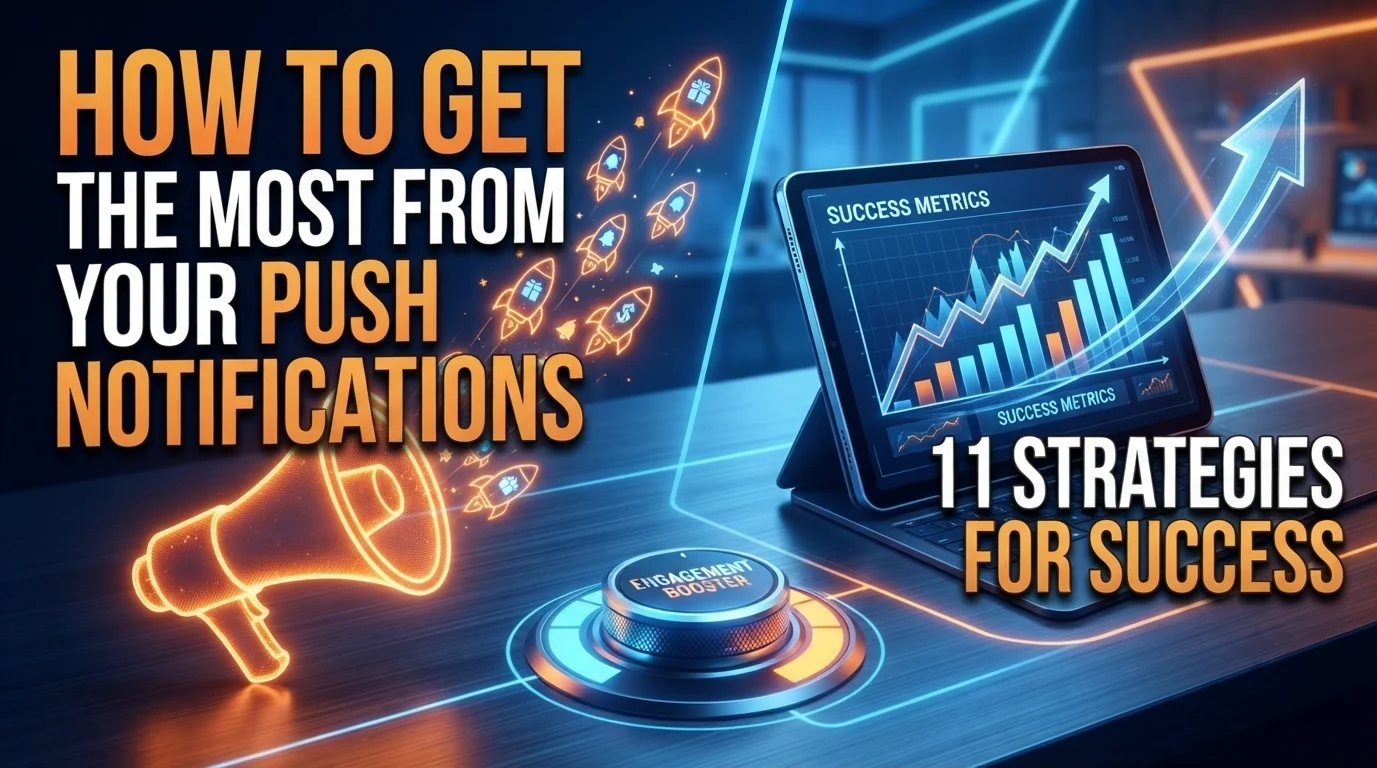
Push notifications are one of the most powerful communication channels available to mobile app publishers, offering a direct line to a user’s lock screen. However, there is a very fine line between a highly valuable update and user annoyance. In an increasingly crowded digital landscape, users do not hesitate to turn off notifications or uninstall an application entirely if they feel overwhelmed by generic pings.
Getting the most out of this channel requires moving away from blast broadcasting and transitioning toward hyper-personalized, contextual messaging.
The following 11 strategies provide a blueprint for maximizing user engagement, boosting retention, and driving conversions through your push notification pipeline.
1. Implement Explicit and Contextual Opt-In Prompts
First impressions are critical. Many applications make the mistake of triggering the generic, system level notification permission pop-up the exact second a user opens the app for the first time. At this stage, the user hasn’t experienced the app’s value and will likely tap “Don’t Allow.” Instead, use a soft, custom-designed pre-permission screen. Explain exactly why the app wants to send notifications, such as tracking a live order or receiving flash discounts and trigger the official system prompt only when the user shows clear intent.
2. Leverage Behavioral and Demographic Segmentation
Sending the exact same push notification to your entire user base is a rapid way to drive opt-out rates. Modern notification strategies rely heavily on user segmentation. Group your audience based on their actual behavior—such as items viewed, features accessed, or purchase history—as well as demographic data like location and time zone. A user who frequently browses technical app development blogs should receive vastly different updates than one who only tracks business growth strategies.
3. Harness the Power of Rich Media Content
Text-only push notifications can easily blend into a cluttered lock screen. To capture visual attention, incorporate rich media elements such as high-resolution images, short GIFs, or interactive audio clips. For example, an e-commerce application notifying a user about a abandoned shopping cart can include a direct image of the product left behind. This immediate visual cue significantly increases click-through rates compared to standard text.
4. Utilize Dynamic Personalization Fields
True personalization goes far deeper than simply inserting a user’s first name at the beginning of a message. Advanced push strategies utilize dynamic fields that pull real-time, context-specific data directly into the notification layout. This includes referencing specific products they abandoned, tracking progress milestones inside a fitness or learning app, or naming the specific local branch where a sale is currently happening. The message must feel uniquely crafted for that individual individual.
5. Master the Art of Contextual Timing
A well-written message sent at the wrong time is useless. Sending a promotional alert at 3:00 AM because of a miscalculated time zone calculation will instantly frustrate users. Utilize automated time zone alignment to ensure notifications land during optimal waking hours. Furthermore, look at individual usage history to deploy messages when that specific user is historically most active in your application, catching them when their propensity to engage is at its highest.
6. Embed Actionable Notification Buttons
Give your users the ability to interact with your brand without requiring them to fully open and navigate the application. By integrating actionable buttons directly into the push notification payload, users can complete micro-tasks directly from their lock screen. Examples include buttons like “Accept Invitation,” “Remind Me in 1 Hour,” or “Add to Cart.” This friction-free interaction improves user experience while accelerating conversion paths.
7. Deep-Link Directly to the Destination
Few things frustrate a mobile user more than clicking a push notification about a specific promotional offer or article, only to be dropped onto the app’s generic home screen to find it themselves. Every push notification you deploy must be paired with an explicit deep link. This ensures that the moment a user taps the message, the application automatically routes them directly to the specific product page, dashboard, or feature promised in the alert.
8. Run Continuous A/B Testing Protocols
Never rely on guesswork to determine what resonates with your audience. Establish a continuous framework for A/B testing your push notifications. Test individual variables—such as contrasting copywriting styles, the inclusion of specific emojis, message length, rich media versus plain text, and different calls to action. Analyze the data meticulously to discover what drives actual conversions versus superficial opens, and scale the winning variations.
9. Create an Intentional Frequency Cap
Even the most highly personalized content becomes irritating if it lands on a lock screen five times a day. App developers must establish a strict frequency capping policy within their notification engines. Determine an acceptable threshold for your specific app category—for instance, a news application might safely send multiple alerts a day, whereas a retail or B2B app should limit non-essential pushes to a few times a week. Keep the focus entirely on high-value communication.
10. Implement Intelligent In-App Fallbacks
Not everyone will grant your application push permissions, and that is a reality of modern app management. To ensure you don’t lose touch with users who opted out of lock-screen pushes, build an in-app message center or notification inbox. When important updates, structural features, or exclusive rewards are released, deliver them via subtle in-app cards or banners that users encounter naturally while actively navigating the platform.
11. Rigorously Clean Out Inactive Tokens
Over time, users delete apps, switch devices, or permanently revoke system permissions. Sending data payloads to dead endpoints or inactive device tokens hurts your delivery metrics and skews your engagement analytics. Ensure your technical backend automatically syncs with Apple Push Notification service (APNs) and Firebase Cloud Messaging (FCM) feedback loops to routinely scrub invalid tokens from your active database, keeping your data clean and deliverability high.
Conclusion:
Meanwhile, push notifications should be treated as a premium communication privilege, not a billboard for uninterrupted broadcasting. The key to unlocking their full potential lies in shifting from a generic “one-to-many” approach to a highly targeted “one-to-one” dialogue.
By grounding your strategy in precise user segmentation, contextual timing, actionable deep links, and strict frequency control, you transform potentially intrusive alerts into highly anticipated, value-driven updates. In a crowded mobile ecosystem, the apps that respect the user’s lock screen are the ones that earn a permanent place on it.