Introduction:
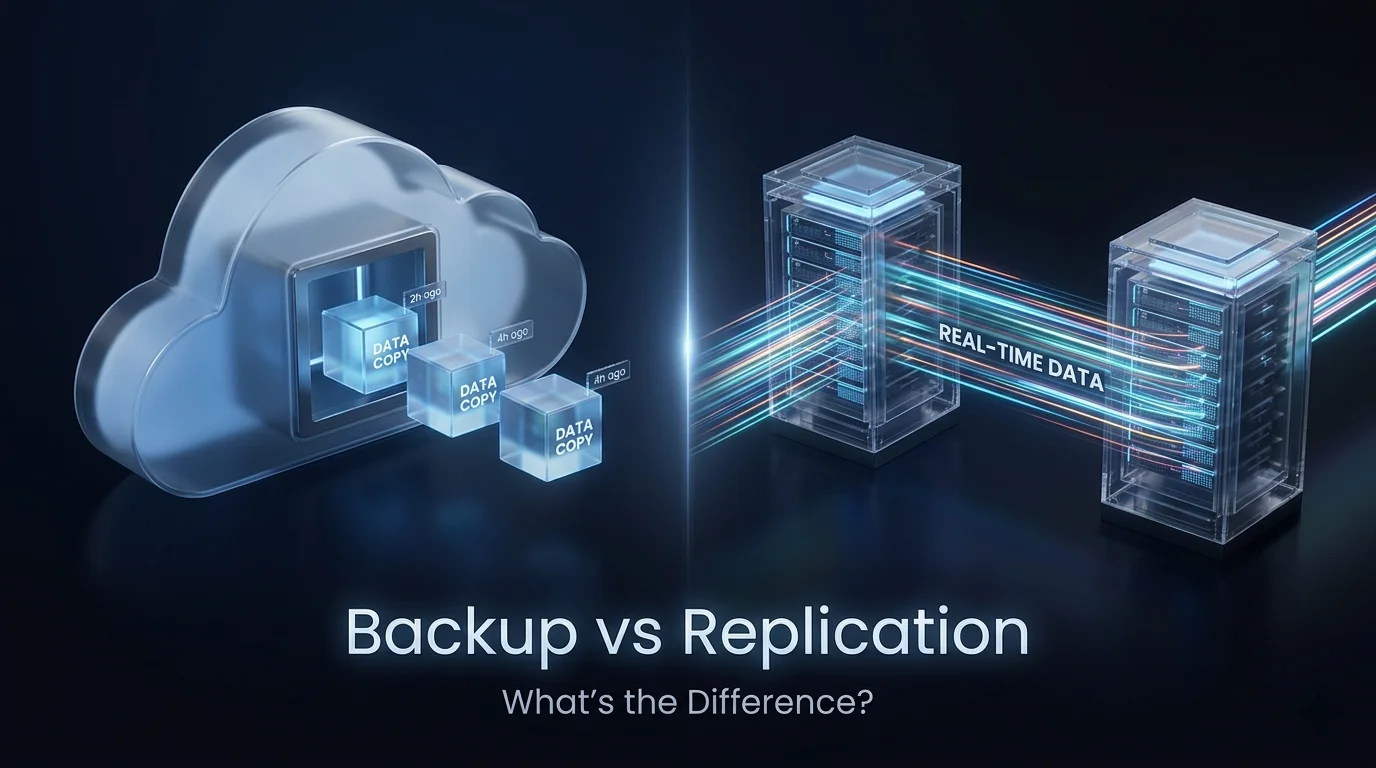
While they are often mentioned in the same breath, backups and replication serve two distinct roles in a data protection strategy. The difference essentially comes down to point-in-time recovery versus continuous availability.
The Nature of Backups: The “Digital Archive”
A backup is a copy of your data taken at a specific moment in time. Think of it like a photograph; it captures exactly what your files looked like when the backup was run.
Retention and Versioning: Backups are designed for long-term storage. They allow you to go back days, weeks, or even years to find a specific file. If you accidentally delete a document on Tuesday, you can go into your Monday night backup to retrieve it.
Storage Efficiency: Backups are often compressed and deduplicated to save space. Because they are not intended for immediate use, they can be stored on slower, more cost-effective media like “cold” cloud storage or even physical tapes.
Protection Against Corruption: If your data becomes corrupted or hit by ransomware, a backup is your best friend. Since it is a separate, offline (or air-gapped) copy, you can restore a “clean” version from before the infection took place.
The Nature of Replication: The “Digital Twin”
Replication is the process of copying data in real-time (or near real-time) from one location to another. Think of it like a mirror; whatever happens to the original data happens to the replica almost instantly.
Focus on Uptime: The goal of replication is business continuity. If your primary server fails, you can “failover” to the replica site with almost zero downtime. It is designed to keep the business running during a hardware failure or a local disaster.
High Performance: Because the replica needs to be ready to take over at a moment’s notice, it is usually stored on high-speed hardware that matches your primary system. There is no compression or “restoration” process; the data is already in its native, usable format.
The “Mirror” Flaw: Replication’s greatest strength is also its weakness in certain scenarios. If a user deletes a folder or a virus encrypts your files, that deletion or encryption is “replicated” to the second site immediately. In these cases, a replica cannot help you recover lost data, that is it only replicates the loss.
Conclusion:
In conclusion, the choice between backups and replication is not a matter of “either-or” but rather “how much of each.” Backups provide the essential historical safety net needed to recover from data corruption or accidental loss over long periods. Conversely, replication offers the high-speed failover necessary to maintain business operations during a sudden hardware or site failure.
By integrating both into a comprehensive strategy, a business can achieve the ultimate goal of modern IT: protecting the integrity of its data while ensuring its services never go offline.